
On your computer
Sunday evening, at the kitchen table
Run the team from your computer as well as your phone
The same app in your web browser, with the same account and teams. Plan the week and finish the report on a big screen.
The problem
A whole season on a phone screen
Putting a month of fixtures in, reading a report through before it goes to the club website, or sorting out the club's plan is slow work with your thumbs.
What you do
Sign in on your computer
Open Match Report GO in your web browser and sign in with the same account. Your teams are all there. Nothing to install, and on your own computer it can keep you signed in.
What Match Report GO does
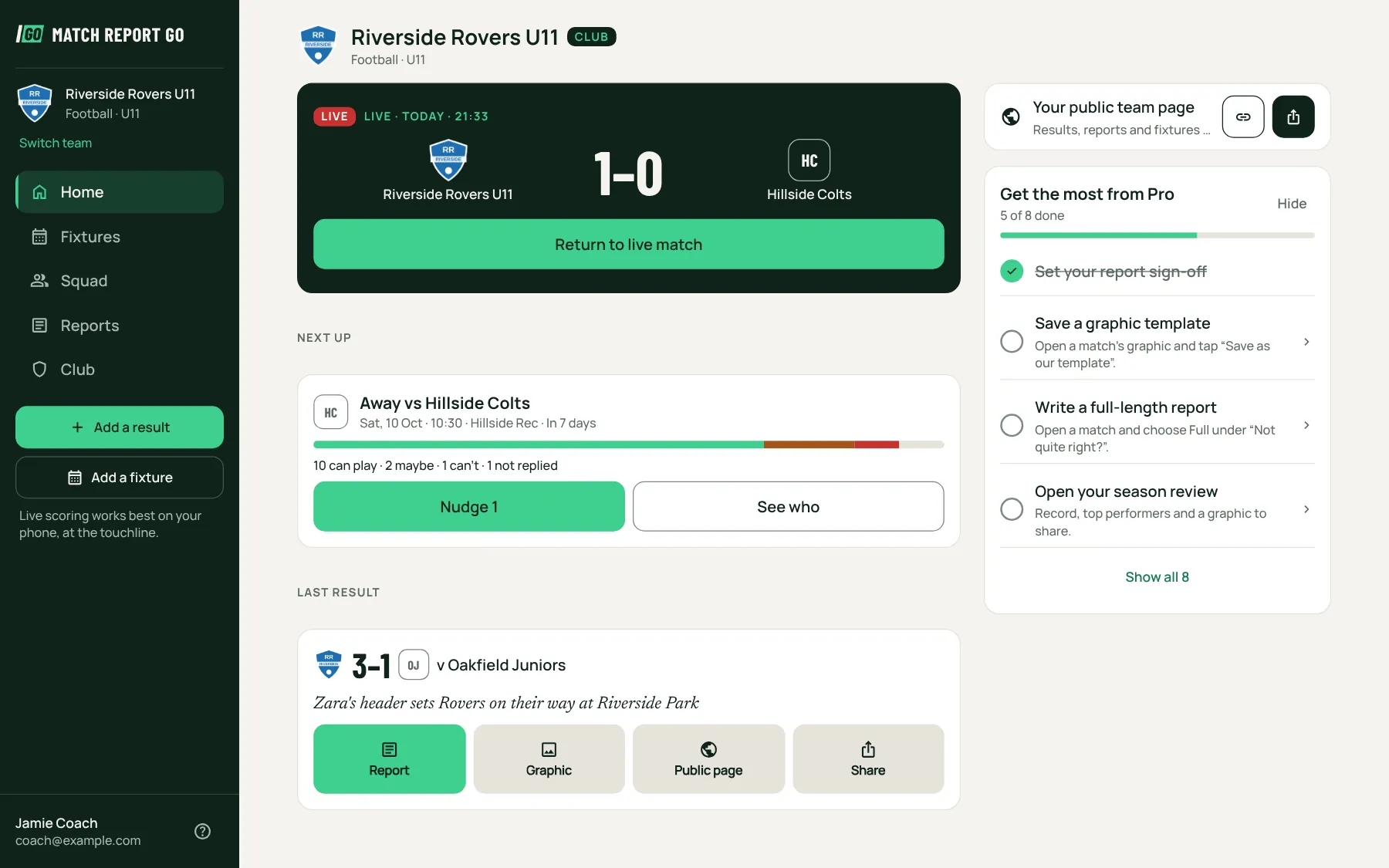
The same app, laid out for a big screen
A sidebar with your team and everything in it, Home in two columns, dates from a calendar and times from a clock. What you change shows on everyone's phones straight away.
- Fixtures, availability, the squad and line-ups
- Reports to read, edit and publish
- Graphics to download for the club website
- Pro and Club paid by card
What you get
Phone at the touchline, computer for the rest
Score the match live on your phone, then finish the report and the graphics at home on a proper screen. One account, one set of teams, wherever you are.
In detail
Match Report GO isn't only on your phone. Sign in on any computer, in your web browser, with the same email and password, and you get the same app: your teams, fixtures, squad, reports and graphics, laid out for a bigger screen. There's nothing to install.
The same account, signed in once
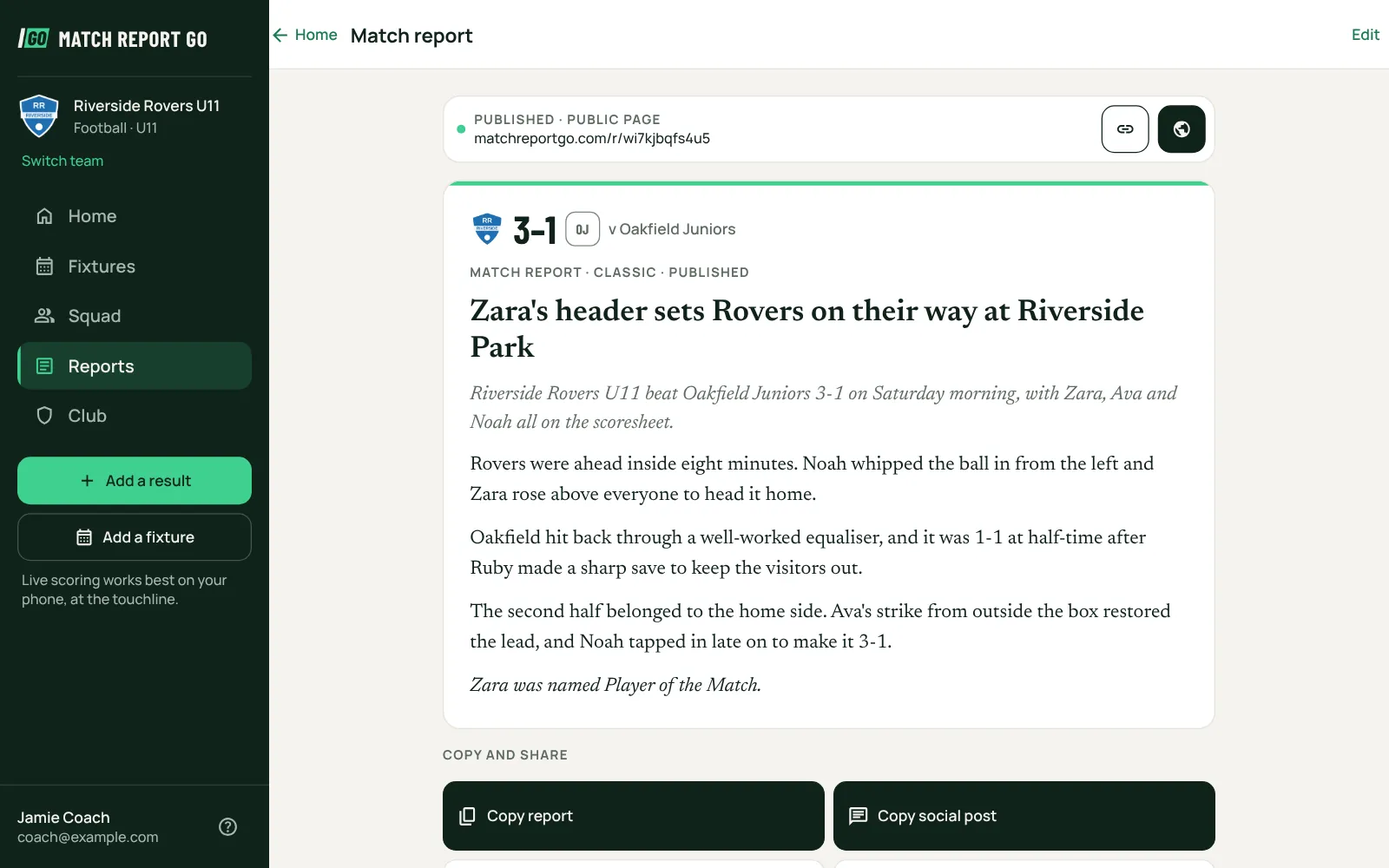
Everything you do on the computer is the same team you see on your phone. Add a fixture at the kitchen table and families are asked if they can play, just as if you'd added it on your phone. Edit a report on the computer and the change is there on the phone straight away.
On your own computer you can tick Keep me signed in. On a shared computer, leave it unticked and you're signed out when the browser closes.
Laid out for a big screen
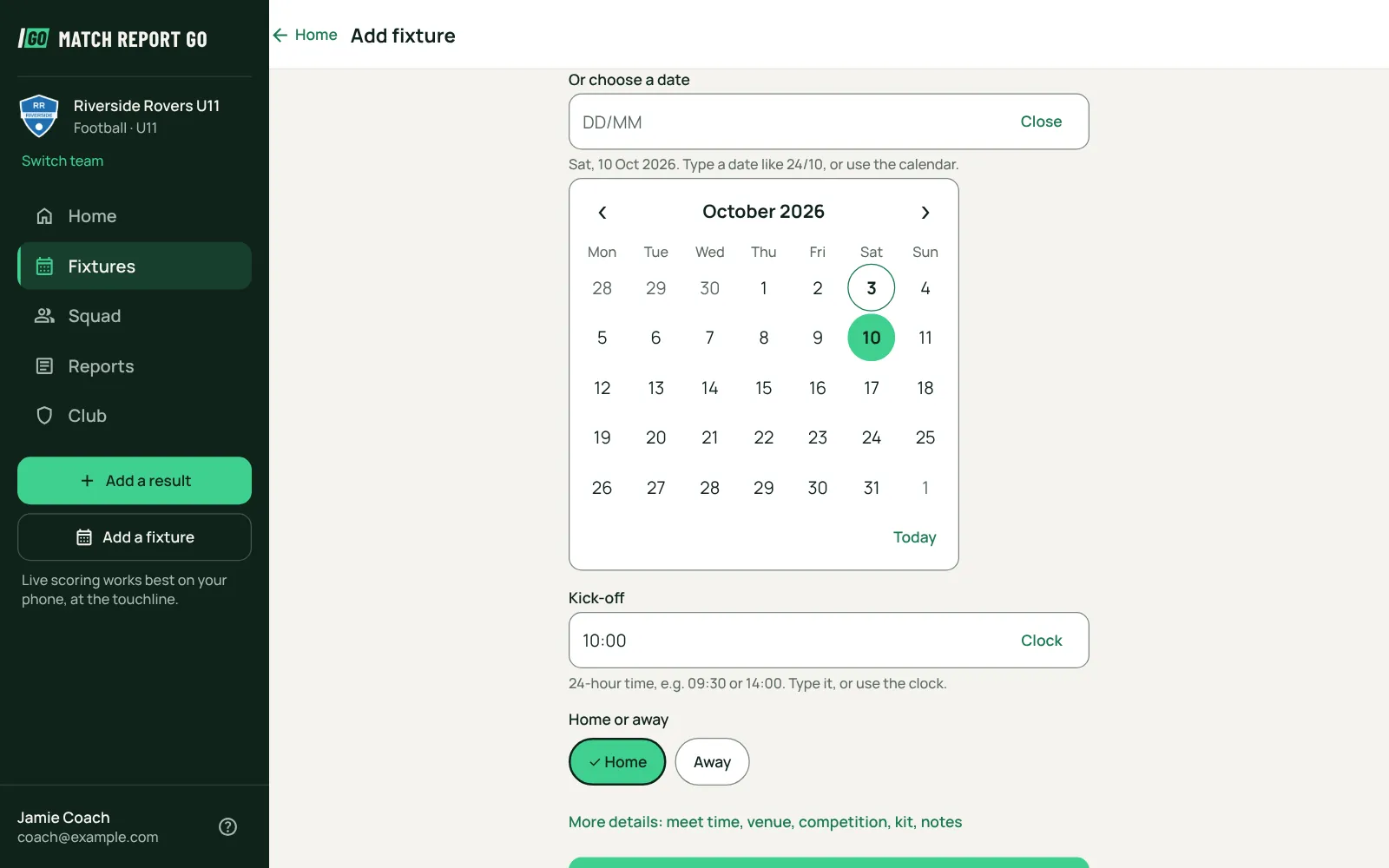
A sidebar holds your team, the sections of the app and the two things coaches do most: adding a result and adding a fixture. Home shows two columns on a wide screen. Dates come from a calendar and times from a clock, and you can still type them if that's quicker.
What's best on which
- On your phone: live scoring at the touchline, voice logging, and replying to a fixture from a notification.
- On your computer: planning the week, putting in fixtures, reading a report through, editing and publishing it, downloading graphics for the club website, and looking after a Pro or Club plan.
Paying for Pro or Club
On a computer, the team's owner can pay for Pro by card, and a club's owner can put every team on Club, by card or by invoice. The price is the same as in the app. In the phone app, Pro is bought through the App Store or Google Play.
Opening links
Links in our emails to your team, such as "see every fixture" and team invitations, open the app on your phone if you have it, and Match Report GO in your web browser if you don't.
Guides for coaches
The grassroots matchday checklist, from the week before to the final whistle
A step-by-step matchday checklist for grassroots coaches and volunteers, covering the week before, arrival, warm-up, the match itself and afterwards.
How to write a grassroots match report parents actually read
A practical guide to writing grassroots match reports, with structure, tone for junior and adult teams, what to leave out, timing and length.
More features
Match reports
A match report written from what you logged, with the score, scorers and minutes checked before it is shared.
Live scoring
Big touchline buttons, voice logging and a live score page for families, even when the signal drops.
Fair playing time
Live time on the pitch with a plain-English prompt when someone needs to go on, and detail kept for staff only.
Your next match, properly told.
The matchday app for grassroots coaches. Log the match on your phone and get the report, live score, stats and share graphics automatically.
Free for grassroots teams, on iPhone, Android and your computer.