Hockey
Hockey in quarters, penalty corners and all, logged once and reported properly
Hockey scoring in quarters for 11-a-side and 7-a-side, with penalty corners, cards and reports built in.
Hockey in Match Report GO
- Formats
- 11-a-side11 a side
- 7-a-side7 a side
- Match
- 4 quarters, running clock
- Touchline buttons
- Goal, Shot, Penalty corner, Card, Sub, Moment
- Say it
- “Goal Zara, penalty corner, assist Noah”
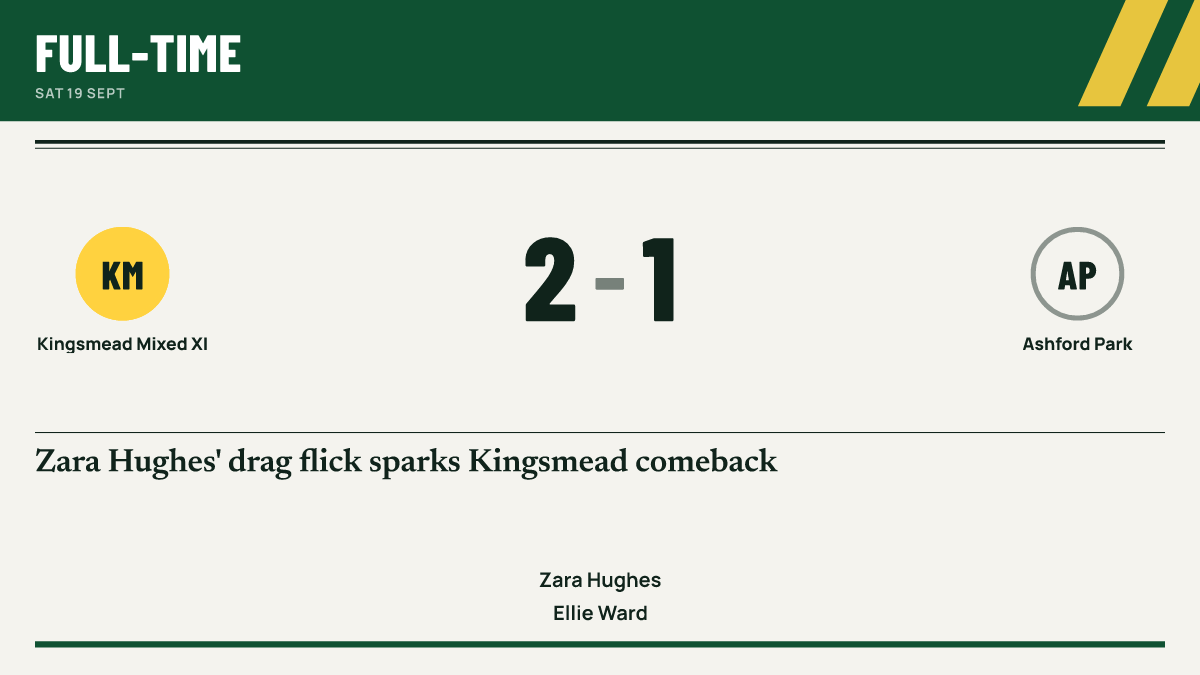
Club hockey runs on volunteers who umpire one match, manage the next and still get asked for the result on the club's social media. Match Report GO is set up for hockey's own format, with quarters, penalty corners and green cards, so logging the match takes seconds and the report and graphics follow from it.
11-a-side and 7-a-side
Hockey supports 11-a-side and 7-a-side. Each has its own pitch drawing and starting shapes for line-ups, so you can place your goalkeeper, defenders, midfielders and forwards and leave the rest on the bench for rolling substitutions.
Junior and adult competitions set their own match lengths and formats. Set quarter lengths to suit your match, and check with your league or governing body for the rules that apply.
Quarters and a push-back
Hockey is played in four quarters, starting with a push-back. The app never ends a quarter by itself; the scorer taps when the umpire blows. A shoot-out is available for matches that need one.
Six buttons for the touchline
The Standard view gives you:
- Goal, with the scorer, an optional assist and how it was scored, such as a field goal, from a penalty corner or a penalty stroke
- Shot, on target or off target
- Penalty corner
- Card: green, yellow or red
- Sub
- Moment, for anything worth a line in the report
Tap "Skip details · save" if play has moved on, or use the Detailed view for more. Live scoring works with no signal and catches up later, and families can follow a live score page that updates itself.
“Goal Zara, penalty corner, assist Noah”
Reports and stats in hockey's language
The match report is written from what you logged, using hockey's terms: quarters, penalty corners, push-backs and substitutions. The score and scorers are checked against the match before anyone sees it.
Over the season, season stats build up goals, assists, saves and clean sheets, with penalty corners won and player of the match awards alongside. Each player has their own page.
Junior hockey
For under-18 teams, junior mode is on automatically. Public pages, reports and graphics use first names only, and no child is named for a card or an injury. With rolling substitutions, fair playing time shows each player's time on the pitch across all four quarters, with detailed comparisons kept for staff.
Questions coaches ask
Can I log green cards?
Yes. The Card button offers green, yellow and red.
Does it track penalty corners?
Yes. Penalty corners have their own button, and goals can be marked as coming from a penalty corner.
Can one club run several hockey teams?
Yes. The Club plan covers every team in the club, with club branding and sponsors. See pricing.
Does it manage league fixtures and umpire appointments?
No. Match Report GO is not a league-management platform. It handles your team's fixtures, availability, scoring, reports and records.
Guides
Hockey matchday for club volunteers
A practical hockey matchday guide for club volunteers, covering umpires, quarters or halves, rolling substitutions, goals, corners and reports.
How to write a grassroots match report parents actually read
A practical guide to writing grassroots match reports, with structure, tone for junior and adult teams, what to leave out, timing and length.
Sharing results professionally on social media
How grassroots teams can post results that look consistent and professional, with image sizes, captions, timing and junior safeguarding rules.