Share graphics
Post the result looking like a club that has its act together
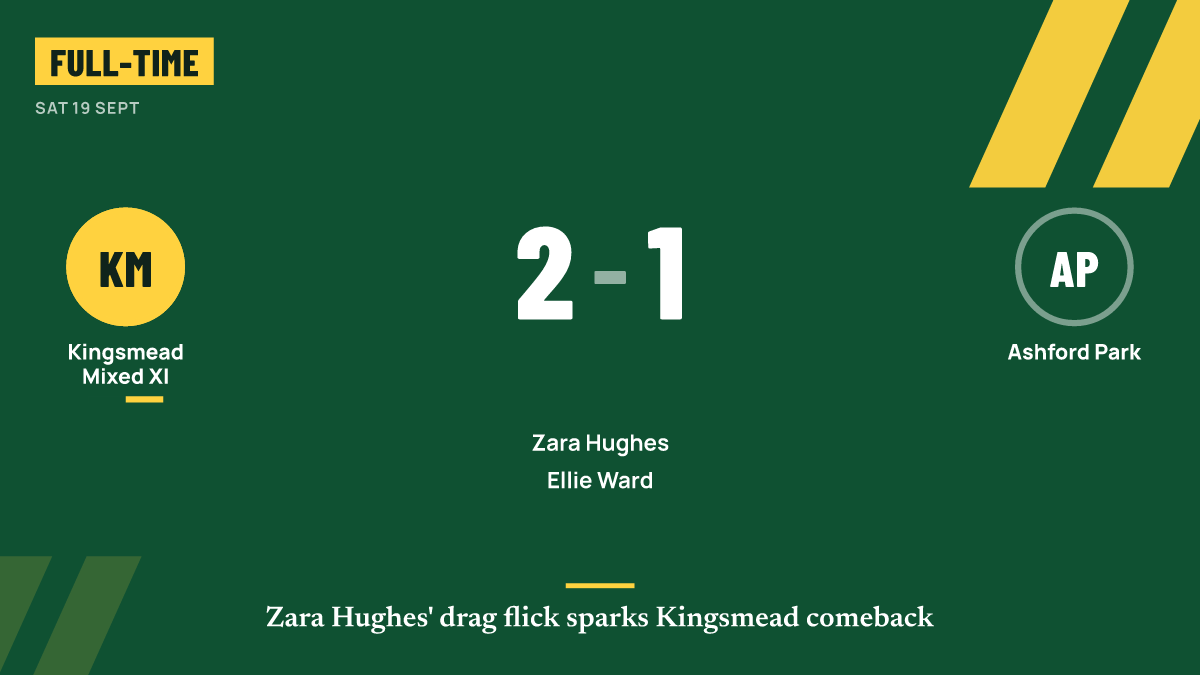
Result, scorer, fixture, line-up and player of the match graphics in the sizes social media expects.
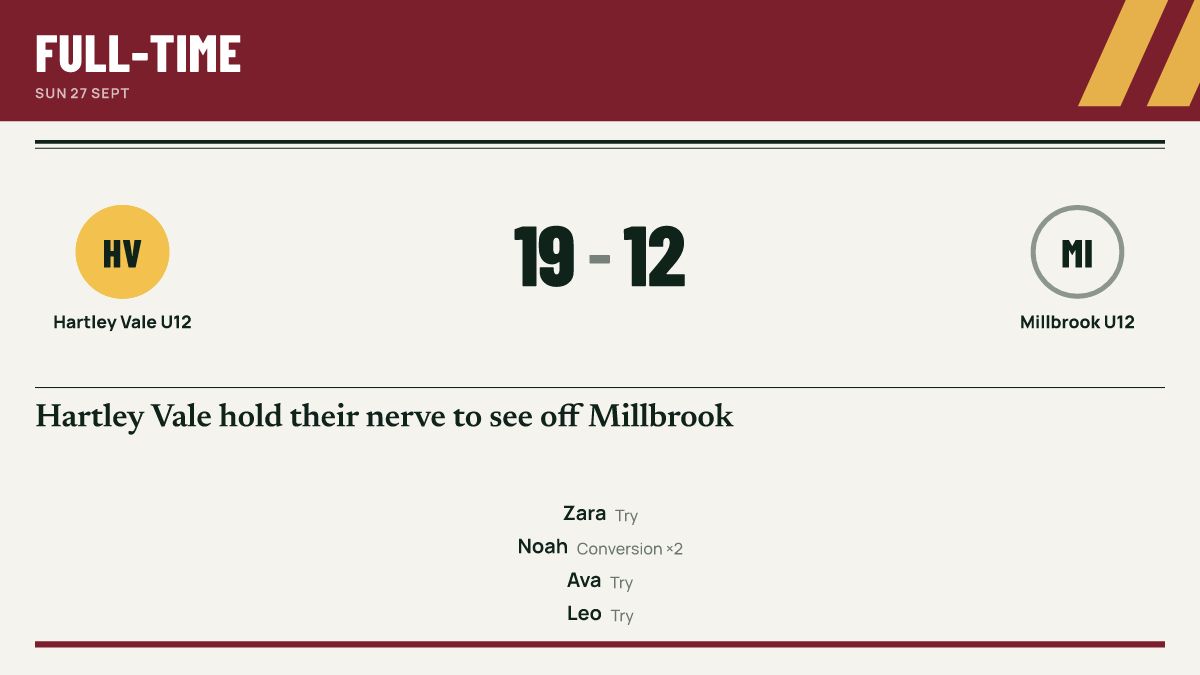
A good result deserves better than a blurry photo of a scoreboard. Match Report GO turns the match you logged into clean graphics for the club's social media, with the score, scorers and names already filled in. You pick the one you want and share it.
Made from the match, not typed out again
Because the graphics come from what you logged during live scoring, there is nothing to retype. The score, the scorer and the player of the match are taken from the match itself, so the graphic says the same thing as the match report.
Five kinds of graphic
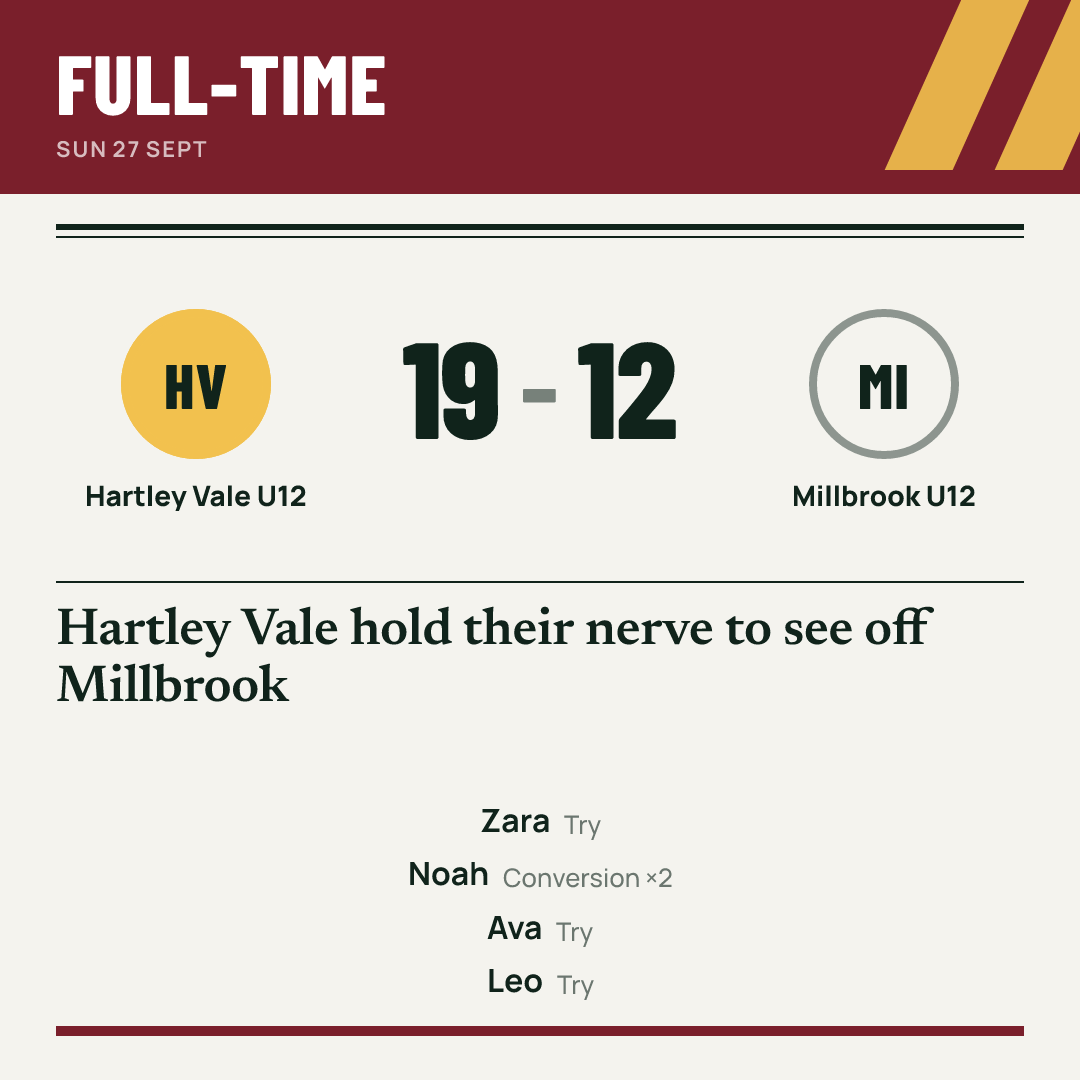
- Result: the final score, ready to post at full-time.
- Player of the match: whoever you named or the vote chose.
- Scorer: a single goal or try, for the moment people will want to remember.
- Fixture or matchday: who you are playing, where and when.
- Line-up: the starting team, once the squad is published.
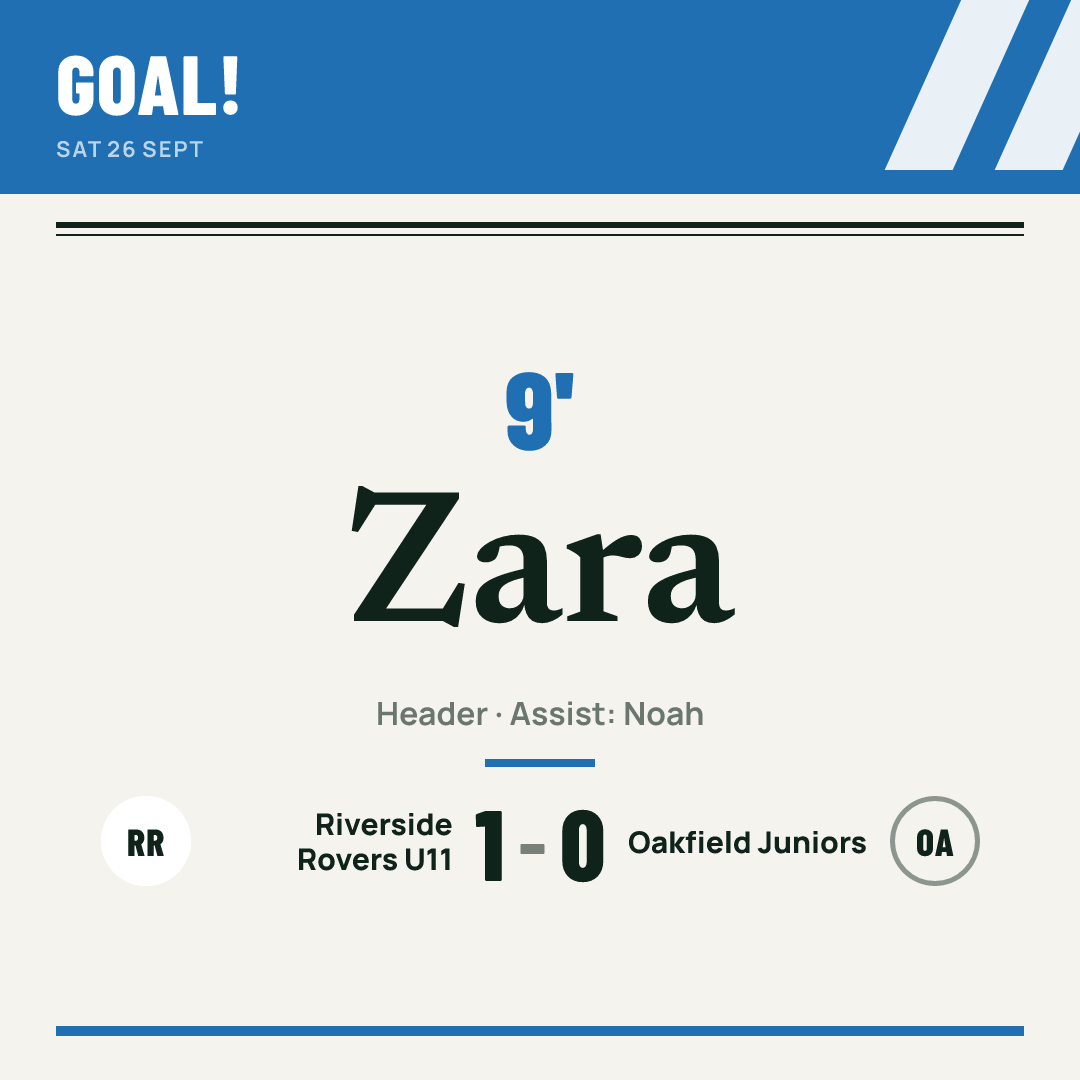
The right size for where you post
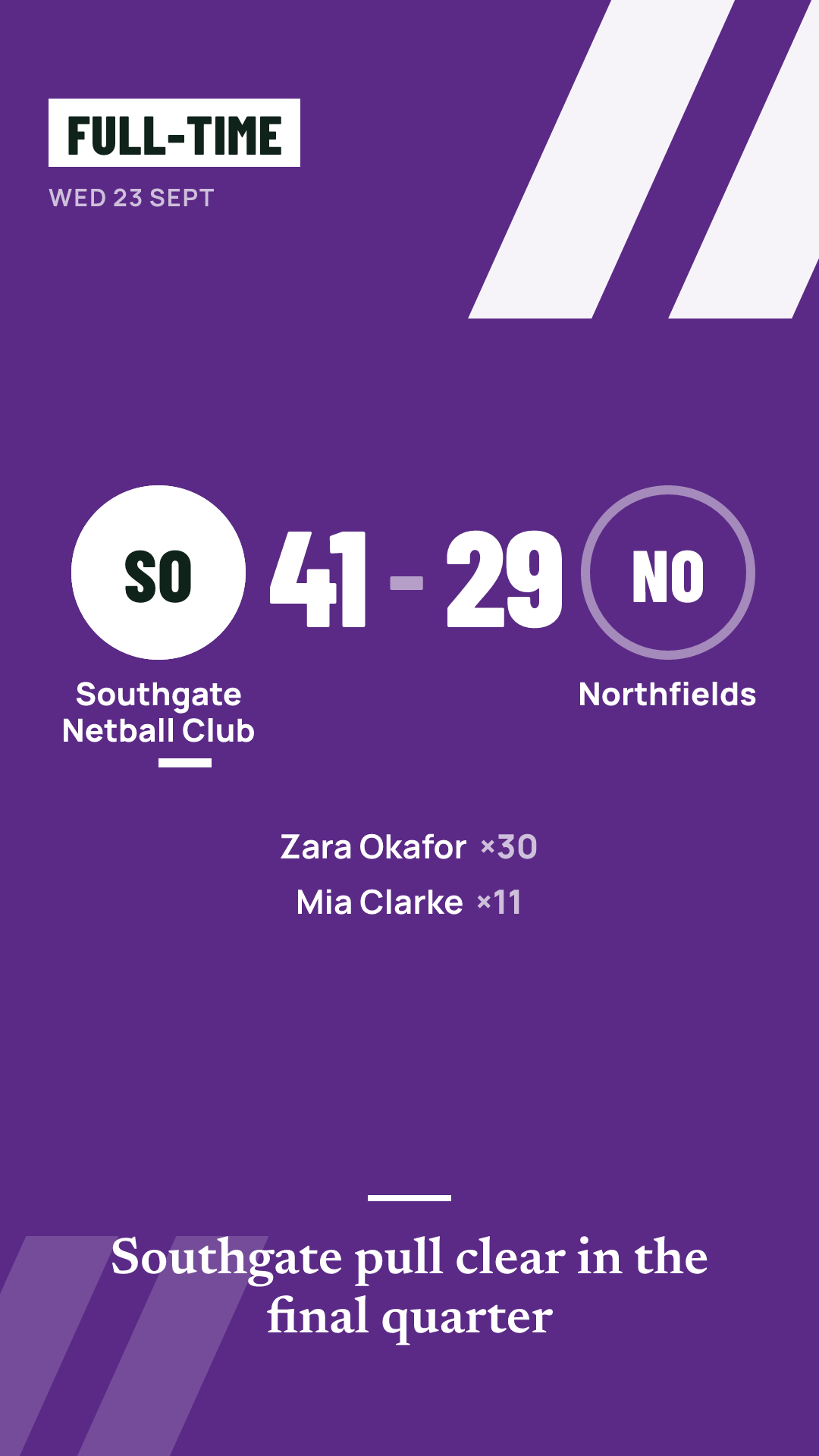
Every graphic comes in three sizes:
| Size | Dimensions | Best for |
|---|---|---|
| Square | 1080×1080 | Feed posts |
| Story | 1080×1920 | Stories and status updates |
| Landscape | 1200×675 | Websites and link previews |
Graphics use the output styles you already know from reports, Modern and Editorial, so your results feed looks consistent from week to week.
Your colours and badge
On the Free plan, graphics carry a small "Made with Match Report GO" mark. On Pro and Club, graphics use your team's colours and badge with no mark, so they look like they came from the club. Club also adds club branding and sponsors across every team.
Careful with junior names
In junior mode, graphics use first names only, and nobody is named for a negative moment. See junior privacy for the full rules.
Questions coaches ask
Can I use the graphics on the free plan?
Yes. Share graphics are part of Free, with a small "Made with Match Report GO" mark. Pro removes the mark and adds your colours and badge. See pricing.
Do I need design software?
No. The graphics are made for you from the match. You choose the kind and size, then save or share.
Can I post a graphic before the match?
Yes. The fixture or matchday graphic is for the build-up, and the line-up graphic is available once you have published the squad.
What about photos of children?
The graphics are built from the match details, not from photos. In junior teams, any use of a child's photo needs a parent's permission, which can be withdrawn at any time.
Guides for coaches
Sharing results professionally on social media
How grassroots teams can post results that look consistent and professional, with image sizes, captions, timing and junior safeguarding rules.
Match report templates and examples you can reuse every week
Three reusable match report templates for grassroots sport, a short post, a standard report and a detailed one, with junior and adult examples.
The grassroots matchday checklist, from the week before to the final whistle
A step-by-step matchday checklist for grassroots coaches and volunteers, covering the week before, arrival, warm-up, the match itself and afterwards.
More features
Season stats
Results, scorers, leaderboards and a page per player, built up automatically from the matches you log.
Multi-sport
Football, rugby union, netball and hockey, each with its own buttons, periods, clock and terms.
Junior privacy
First names only, no child named for a bad moment, junior pages kept out of search and parents in charge of consent.
Log the match once.
Get the report, score, stats and graphics.