Line-ups
Pick the team, put it on the pitch and tell everyone in one go
Build the line-up on a pitch or court drawing, name a captain and publish the squad to players and parents.
Once you know who is available, you still have to pick a team, work out where everyone plays and tell the families. Match Report GO puts those three jobs on one screen. You build the line-up on a drawing of the pitch or court, choose a captain and publish the squad when you are ready.
Start from who said yes
The line-up builder works from your availability replies, so the players in front of you are the ones who can actually make it. No cross-checking a chat thread against a squad list.
Place starters on a drawing for your sport
Starters are placed on a pitch or court drawing that matches the sport and format you are playing. A 7-a-side football match shows a 7-a-side shape; a netball match shows the court and its positions; rugby union and hockey have their own layouts.
- Choose a format and a starting shape.
- Drag players into position on the drawing.
- Leave the rest on the bench as substitutes or replacements.
- Mark one player as captain.
Publish the squad to players and parents
When the team is set, publish the squad. Players and parents see who is in the squad for the match, so nobody turns up unsure whether they are playing, and you are not answering the same question one message at a time.
Until you publish, the line-up stays with the coaching staff. That gives you room to think it over, move people around and wait for a late reply before anyone else sees it. Publishing is a deliberate step, taken when you are happy with the team.
Carry it into the match
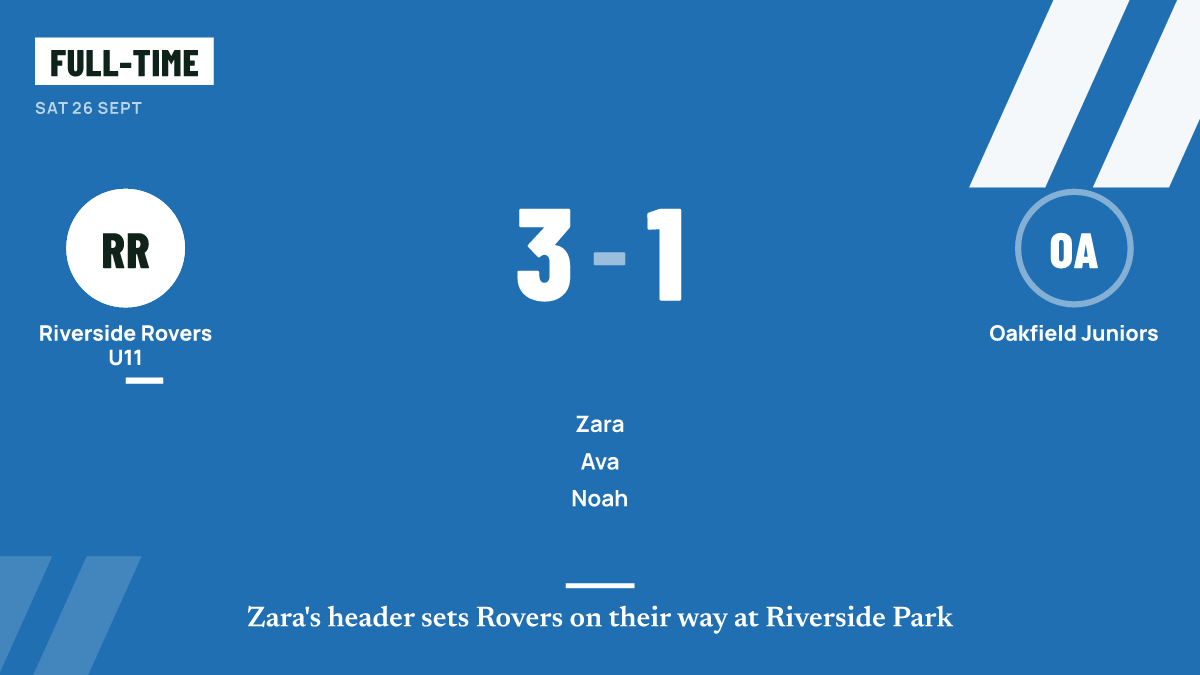
The line-up you build is the one you start the match with. When you begin live scoring, the starters are already on and the bench is ready for substitutions, so time on the pitch is tracked from the first whistle. You can also turn the line-up into a share graphic for matchday.
Questions coaches ask
Does it show the right positions for my sport?
Yes. Each sport and format has its own drawing and positions, from 5-a-side football to 15-a-side rugby union, netball's 7-a-side and High 5, and 11-a-side or 7-a-side hockey.
Can I change the line-up after publishing?
Yes. Late drop-outs happen. Update the line-up and publish again so families see the current squad.
Is the line-up builder free?
Yes. Squad and line-ups are part of the Free plan, along with fixtures and availability. See pricing.
Will parents see where their child is playing?
Publishing the squad lets players and parents see who is involved in the match. In junior teams, public pages and graphics use first names only.
Guides for coaches
Picking line-ups and publishing the squad
A practical guide to picking a line-up from who is available, rotating positions for juniors, choosing a captain and telling families about the squad.
Managing availability without the chasing
How to find out who is available for a match without chasing every family, with early requests, one clear question, deadlines and polite reminders.
The grassroots matchday checklist, from the week before to the final whistle
A step-by-step matchday checklist for grassroots coaches and volunteers, covering the week before, arrival, warm-up, the match itself and afterwards.
More features
Share graphics
Result, scorer, fixture, line-up and player of the match graphics in the sizes social media expects.
Season stats
Results, scorers, leaderboards and a page per player, built up automatically from the matches you log.
Multi-sport
Football, rugby union, netball and hockey, each with its own buttons, periods, clock and terms.
Log the match once.
Get the report, score, stats and graphics.