Season stats
A season record that builds itself while you get on with coaching
Results, scorers, leaderboards and a page per player, built up automatically from the matches you log.
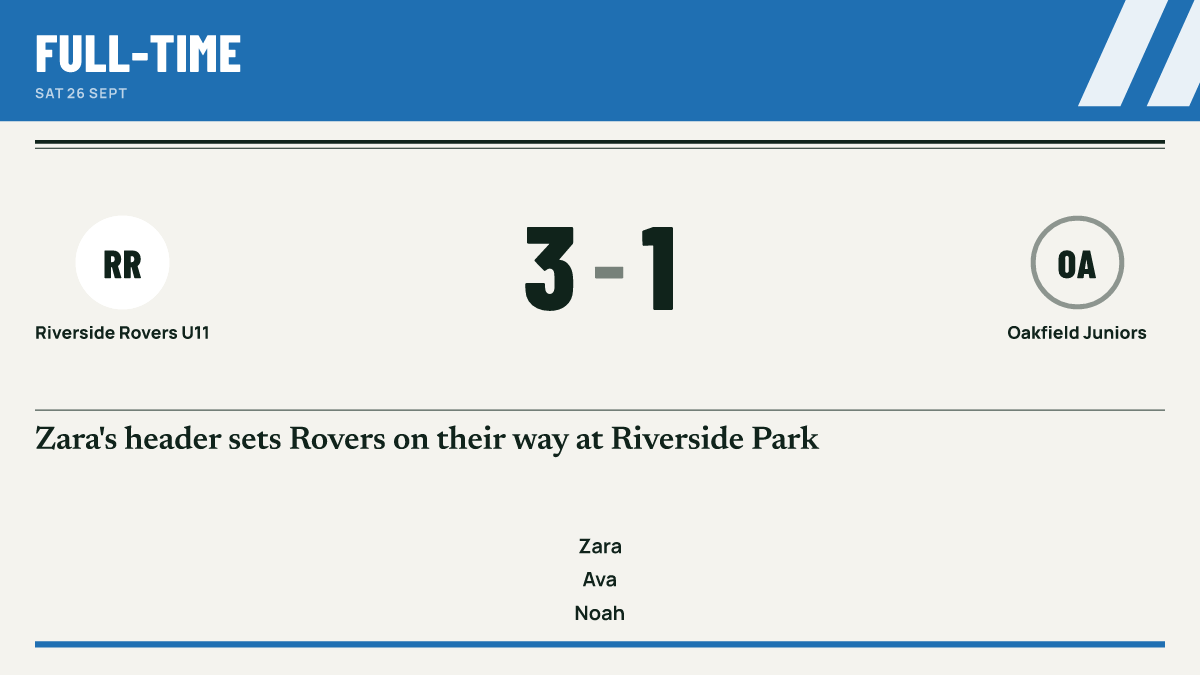
At the end of a season someone always asks who scored the most, or how many games a player managed. Match Report GO answers that without a spreadsheet. Every match you log adds to the team's record, so the season's results, scorers and stats are there when you want them.
Nothing extra to enter
There is no separate stats job. What you tap during live scoring is what builds the record: the result, who scored, who assisted, substitutions and appearances. Log the match once and the stats follow.
What builds up over the season
- Results for every fixture you play.
- Scorers, using your sport's terms: goals in football, netball and hockey, tries and points in rugby union.
- Season stats such as appearances and assists, depending on the sport.
- Leaderboards for the categories that are worth celebrating.
- Player of the match awards.
Each sport keeps its own stats. Rugby union counts tries, conversions and points; netball counts goals, interceptions and rebounds; hockey counts goals, assists and saves. See multi-sport for how sports are set up.
| Player | Goals | Assists |
|---|---|---|
| Zara | 9 | 3 |
| Leo | 6 | 5 |
| Ava | 4 | 7 |
| Noah | 3 | 2 |
Won 11 · Drawn 3 · Lost 4 · Form W W D L W
A page for every player
Each player has their own page showing their season: appearances, what they scored and the awards they picked up. It gives a player something to look back on, and gives you a quick view when you are writing an end-of-season note.
Leaderboards that celebrate, not shame
Leaderboards show the things you would want to put on a certificate, such as scorers, assists and player of the match awards. Negative moments like cards, own goals and missed penalties are not turned into a public table, and in junior teams children are never named for them at all. The detail is on junior privacy.
Minutes played are tracked for fair playing time, but the detailed minute comparisons stay with coaching staff.
Every season, kept
Your current season's results and stats are part of the Free plan. Pro keeps every past season's stats, so you can look back over a player's years with the team.
Questions coaches ask
Do I have to fill in stats after the match?
No. Stats come from what you logged during the match. If you add a missing assist afterwards, the stats update to match.
Can parents see the leaderboards?
Leaderboards are there to celebrate players, so they show positive categories. In junior teams, public pages use first names only.
What happens to last season?
On Free you have the current season's results and stats. Pro keeps every past season's stats. See pricing.
Are minutes played shown on the leaderboard?
No. Minutes are used to help you share out playing time fairly, and the detailed comparisons are for staff only.
Guides for coaches
Your first season as a volunteer coach or team manager
Advice for a new volunteer coach or team manager on safeguarding checks, qualifications, parents, playing time, light admin and looking after yourself.
How to write a grassroots match report parents actually read
A practical guide to writing grassroots match reports, with structure, tone for junior and adult teams, what to leave out, timing and length.
Sharing results professionally on social media
How grassroots teams can post results that look consistent and professional, with image sizes, captions, timing and junior safeguarding rules.
More features
Multi-sport
Football, rugby union, netball and hockey, each with its own buttons, periods, clock and terms.
Junior privacy
First names only, no child named for a bad moment, junior pages kept out of search and parents in charge of consent.
Match reports
A match report written from what you logged, with the score, scorers and minutes checked before it is shared.
Log the match once.
Get the report, score, stats and graphics.